
If you need to create your own website but you do not have skills or costs? You do not take any stress. Today many people are looking for simple and free ways to build a website without any code.
The good news is modern tools are now available like WordPress, Wix and Blogger have made it easy for beginners to create professional websites in just a few seconds.
If you start a blog, design your own portfolio or build an online business website, this guide will help you everything step-by-step.
By the end of this article, you will able to:
Choose the best free website builder
Create and design your website
Add content and publish it
Optimize your site for traffic and growth
This thing make it possible for anyone to create a website easy and quickly.
Best Free Website Builders in 2026
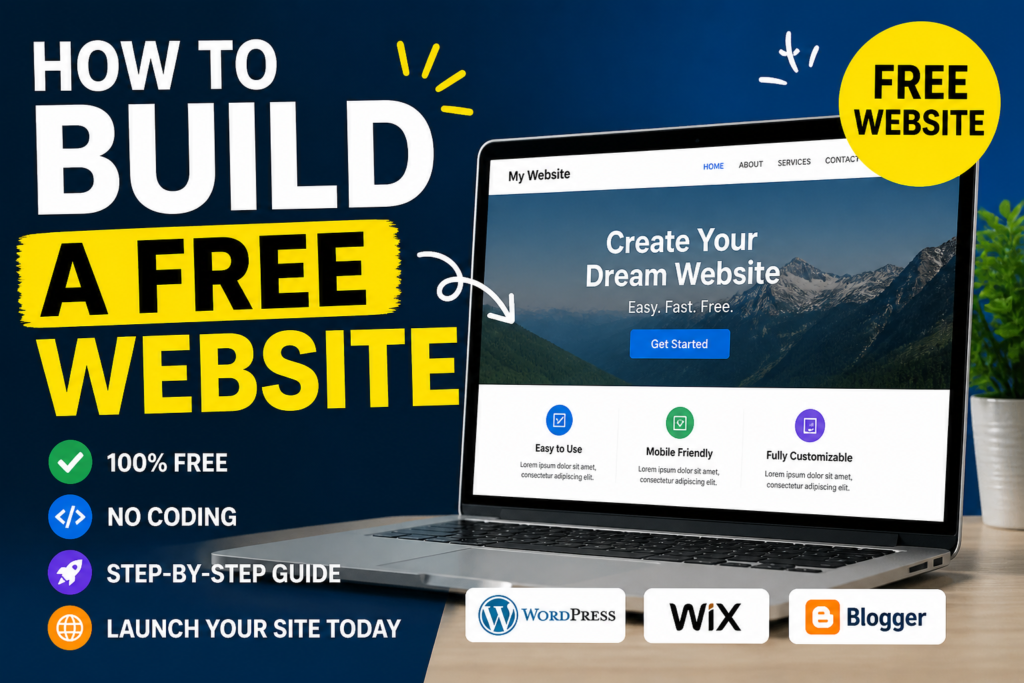
Selecting the right website is the first step to make your own website. Here are the best and free website builders you should need to try:
1. WordPress.com (Best for Blogging)
WordPress.com is one of the most useable website platforms in the world.
Key Features:
Easy to use for beginners
Free themes and plugins
SEO-friendly structure
Large support community
2.Wix (Best for Design)
Wix is good if you want a attractive website without effort.
Key Features:
Drag-and-drop editor
Modern and responsive templates
No coding required
3. Blogger (Best for Simple Blogs)
Blogger is a simple and reliable platform owned by Google.
Key Features:
Completely free
Easy setup process
Reliable hosting
What is a Website Builder?
A website builder is a platform that help you to create a website without any writing code. Using this website builder you don’t need to write a complex programming languages, you can simply drag and drop elements like text, images and buttons into place.
Website builders are designed for beginners and provide everything you need in one place:
Hosting (where your website is stored online)
Templates (ready-made designs)
Customization tools
Step-by-Step Guide to Build a Free Website
Now you learn to create your website.
Step 1: Select the Right Platform
Select the things according to your needs:
Blogging → WordPress
Business website → Wix
Personal blog → Blogger
Step 2: Create a Account
Visit the platform’s official website and:
Sign up using your email
Verify your account
Login to your dashboard
Step 3: Select a Template you need
Templates control how your website looks.
Tips for choosing a template:
Always try to choose a best and simple design
Make sure it is good for everyone
Select a layout that matches according to your audience taste
Step 4: Complete Your Website
Now personalize your website by adding:
Website title and tagline
Logo (if available)
Colors and fonts
Navigation menu
Keep your design simple and perfect.
Step 5: Create Those Pages You Need
Every professional website should include:
Home page
About page
Contact page
Blog section
These pages help visitors understand your website and build trust.
Step 6: Add Content
Content is the major part of your website. Without content, your site cannot attract visitors.
Start by writing:
Blog posts
Informational pages
Guides or tutorials
Make sure your content is clear, good and easy to read.
Step 7: Publish Your Website
Once you think every things are complete according to your taste, click the Publish button.
Your website is now live and accessible to anyone who need to see.
Common Mistakes to Avoid
Many starter make mistakes that slow down their growth. Avoid these:
- Overcomplicating the Design
Too many colors and elements can confuse visitors.
- Ignoring SEO
If you you do not optimize your website, it does not appear on search engines.
- Not Updating Content
Regular posting keep your website fresh and engaging.
- Choosing the Wrong Platform
Always pick a platform that fits your goals.
Pro Tips for Success
To make your website successful, follow these expert tips:
- Focus on SEO
Use keywords like “build a free website” in:
Title
Headings
Content
- Keep Your Design Simple
A clean design improves user experience and keeps visitors engaged.
- Be Consistent
Post new content regularly to grow your audience.
- Promote Your Website
Share your content on social media like:
Facebook
Instagram
YouTube
- Learn Basic SEO and Marketing
Learning SEO will help your website rank on top on google search engines.
Building a free website in 2026 is easier if you use right platform. With the help of best website builders, anyone can make your own online website without investing money or learning coding.
Now it’s your time to take action.
Start making your website today
Stay connected with your content
Try to learning and improvement
Success doesn’t come in a day, but with the right steps, you can reach on your goals.
FAQs
Q1: Can I build a free Website?
Yes, you using right platforms like WordPress, Wix and Blogger you can easily create a free website in a seconds.
Q2: Do I need coding skills?
No, website builders are designed for starter and do not require coding knowledge.
Q3: Can I earn Money Using free website?
Yes, you can earn money through ads, marketing and content creation.
Q4: How many time need take to build a website?
You can create a basic website in just a few seconds.
Yes! Finally someone writes about interior design.